
PDF is good for final reports and archived proof.
Fixed-layout pages can hide detail needed for filing review.
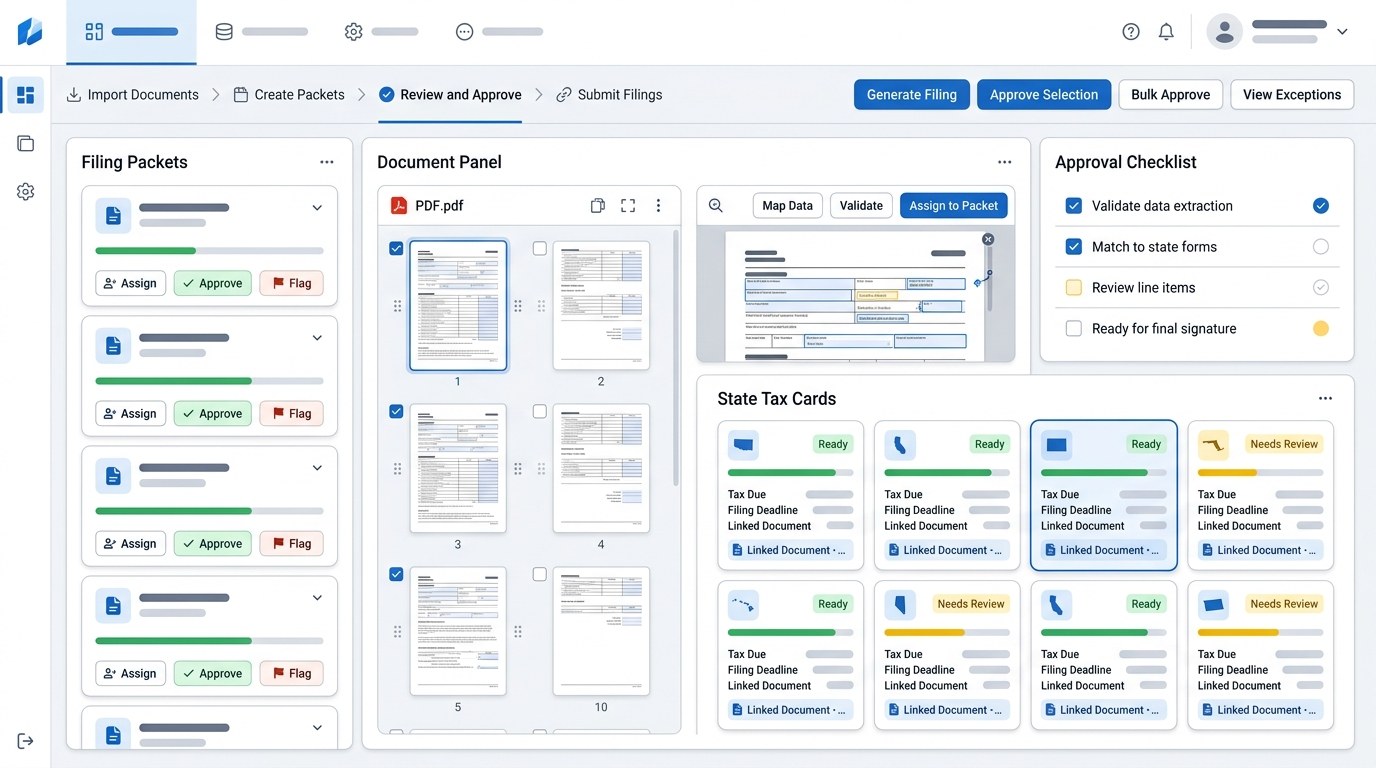
AtomicTax uses PDFs inside a broader filing packet.
Quick answer.
You can file sales tax from a PDF report when the document clearly shows the filing period, source system, gross sales, taxable sales, exempt sales, tax collected, refunds, and marketplace treatment. PDF is a fixed-layout document format, which makes it excellent for preserving how a report looked at a point in time. That same fixed-layout nature can also make it harder to extract reliable tax data if the report was not designed for filing.
AtomicTax can use PDF reports as part of a sales tax filing packet, especially when they come from a consistent platform report or accounting close package. But if the PDF compresses several states, marketplaces, refunds, or tax jurisdictions into a single summary line, the safer workflow is usually to request CSV, Excel, or connected source data.
When PDF works well for sales tax filing.
PDF works best when it is essentially a final report, not the only source of truth. The report should show the period, the state, the sales basis, and the tax amounts in a way another reviewer can understand without asking the preparer what the numbers mean.
- Clean state summary: the PDF breaks out gross, taxable, exempt, and tax collected by state.
- Visible period: start and end dates are printed on the report.
- Source clarity: the report identifies whether it came from Shopify, a marketplace, accounting software, or another system.
- Channel clarity: marketplace-facilitated sales are separated from direct merchant-collected sales.
- Archive use: the PDF supports the final return and payment proof after filing.
Where PDF sales tax reports break down.
PDF becomes weak when it hides detail behind a polished page. A state notice may ask why a number was reported, and the answer cannot be “because the PDF said so.” The team needs to trace the return back to source transactions, refunds, exemptions, and marketplace treatment.
Common issues include scanned reports with unreadable tables, totals that mix states, missing refund support, no transaction IDs, missing destination fields, and tax collected columns that do not distinguish customer-collected tax from marketplace-collected tax. If the PDF cannot answer those questions, it should be treated as a supporting document rather than the filing source.
Fields a PDF should show before filing.
- Exact filing period and report creation date.
- State or jurisdiction covered by the report.
- Gross sales, taxable sales, exempt sales, and deductions.
- Tax collected, tax refunded, and net tax due.
- Marketplace versus direct-channel sales.
- Refunds, cancellations, and credits.
- Source system and report name.
- Reviewer notes for any manual adjustments.
How AtomicTax uses PDF reports in filing packets.
AtomicTax treats the PDF as one layer of evidence. The filing packet should still explain how the return was prepared, what data was included, what was excluded, and where the filing confirmation was saved.
- Review the PDF: confirm the period, state, report source, and visible fields.
- Identify missing detail: flag marketplace, refund, exemption, or jurisdiction gaps.
- Request backup if needed: use CSV, Excel, or connected source exports when the PDF is too compressed.
- Prepare state totals: map the PDF support into filing-ready numbers.
- Save proof: archive the PDF, source backup, return confirmation, payment receipt, and reviewer notes together.
PDF filing checklist.
- Is the filing period printed on the report?
- Does the PDF identify the source system?
- Are marketplace sales separated from direct sales?
- Are refunds and tax refunds visible?
- Can the PDF be reconciled to accounting or payment totals?
- Does the report show state or jurisdiction detail?
- Is there enough evidence to answer a future notice?
- Should a CSV or Excel export be requested before filing?
FAQ.
Can I file sales tax from a PDF report?
Yes, if the PDF clearly shows the filing period, state totals, taxable sales, tax collected, refunds, and marketplace treatment.
Is PDF better than CSV for sales tax filing?
Usually no. PDF is good for preserving a final report, but CSV is often better for row-level review, validation, and reconciliation.
What if my PDF is scanned or hard to read?
Use it as supporting evidence and request CSV, Excel, or connected source data before filing.
Can AtomicTax work from PDF reports?
Yes. AtomicTax can use PDF reports inside filing packets and complete standard sales tax filings for $45 per filing.
Sources and references.
Have PDF sales tax reports?
AtomicTax can review PDF reports, request missing backup when needed, and turn the support into filing-ready packets.